Learnroboticsin8liveweekends.Theliveroboticsbootcampforbeginners.
The Robotics Bootcamp. Learn how real robots sense, find their way, plan and move, taught live by a research scientist in a virtual lab that runs in your browser.
$59 Applications close 3 January
- Starts
- 9 January 2027
- Format
- 8 live weekend sessions
- You need
- A laptop and a browser
- Experience
- None required
See what you'll build.
Every robot runs the same loop. Over eight weekends you build each part of it yourself.
- 01Sense
Read lidar, cameras and an IMU, and know how each one fails.
- 02Locate
Work out where a robot is, and map a place as it explores.
- 03Plan
Find a path, and replan when something moves.
- 04Act
Drive a car, fly a drone and walk a legged robot.
Week by week
8 live sessions · up to 2 hours eachWeek 1How a robot works
What happens inside a robot between seeing a wall and stopping in front of it?
In the lab, you program an indoor robot.
Week 2Range sensors
How does a robot measure distance, and when is that measurement wrong?
In the lab, you program an indoor robot and a car.
Week 3Cameras, depth and motion sensing
If a robot already has lidar, why does it also need cameras, an IMU and GPS?
In the lab, you program a drone and an indoor robot.
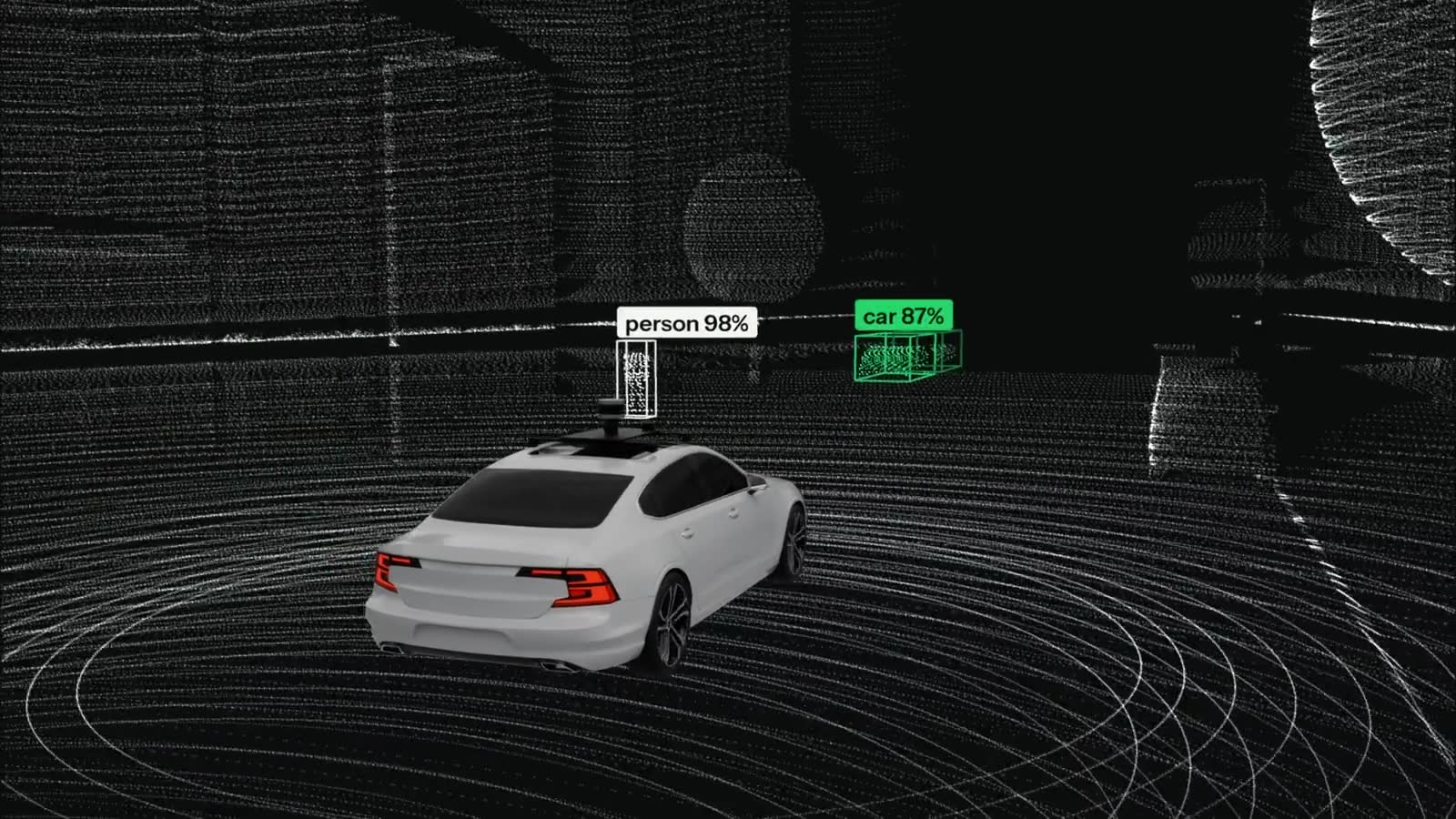
Week 4Perception
How does a robot turn millions of numbers into “a person is crossing 12 metres ahead”?
In the lab, you program a car.
Week 5Localisation and mapping
How does a robot know where it is, especially in a place it has never been?
In the lab, you program a car and an indoor robot.
Week 6Planning
Given a map and a goal, how does a robot decide what to do and which way to go?
In the lab, you program an indoor robot and a drone.
Week 7Control
How does a robot turn “go there” into motor commands that actually get it there?
In the lab, you program a car and a drone.
Week 8Legged robots and learned control
How does a four-legged robot stay upright on rough ground, and what does machine learning add? The second half is the capstone: your robot runs in a world it has never seen.
In the lab, you program a robot dog.
Who it's for
- New to robotics, curious how robots work
- No coding needed: Owlster's AI assistant writes and explains the code with you
- No engineering degree and no hardware: a laptop and a browser are enough
What to expect
- The full software stack of an autonomous robot, from raw sensor data to motor commands
- Live teaching every weekend, with a hands-on mission after every session
- Real robot software in a simulator: no kit to buy, and a mistake costs a restart, not a broken robot
- 16 live hours that build a solid foundation and the vocabulary to keep going
In the final session, your robot finds its way through a world it has never seen.
Every session, lab and the final project, in one PDF.
Where these skills lead.
Robotics teams divide work by stage of the loop you build here. The bootcamp gives you the foundations each of these roles starts from.
Where the jobs are. Warehouse and logistics robots, autonomous vehicles, inspection and delivery drones, agricultural machines, surgical systems and, increasingly, humanoid and legged robots.
Many teams also hire people with software, data or mechanical backgrounds who understand how robots work. That is the gap this course fills.
- 01Perception engineer
Owns Sense: turns raw sensor data into objects.
- 02Localisation and mapping engineer
Owns Locate: works out where the robot is and maps the world.
- 03Motion planning engineer
Owns Plan: finds the path and replans when the world changes.
- 04Controls engineer
Owns Act: turns the plan into motor commands.
- 01–04Robotics software, robot learning, simulation, and test and field engineers
Work across every stage: connect them, train them, test them in simulated worlds and find how robots fail before customers do.
Two cohorts. 100 seats.
Seats are first come, first served. Choose the time that suits you.
7-day full refund · Card payment · Certificate included
Not ready to pay? Apply now, pay after we confirm your seat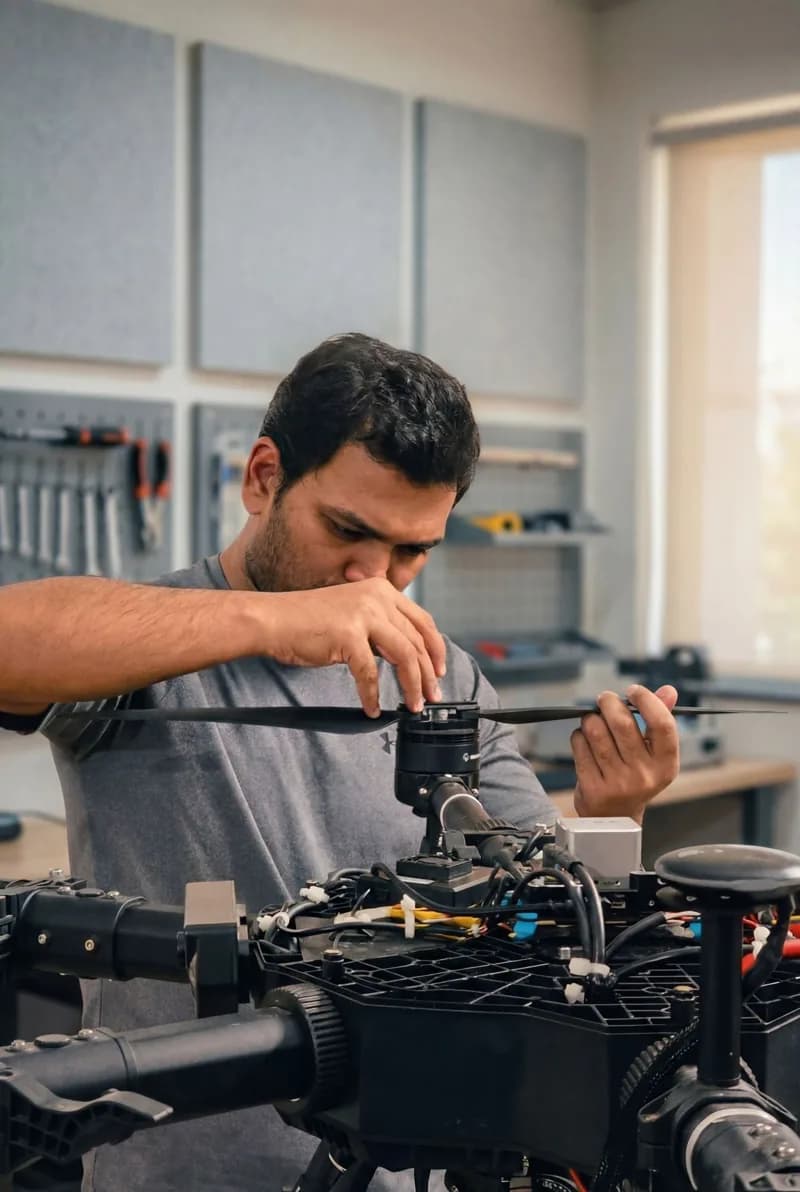
What people say about Nitish
“An exceptional AI/ML tutor… He explains complex Machine Learning and AI concepts with clarity.”
AI/ML tutoring · 2025
“What stood out most was his ability to troubleshoot issues and stay focused on getting results.”
Robotics project · 2026
“Professional and with great expertise. A pleasure to work with!”
Lidar course project · 2024
Questions
Do I need any experience?
No. We start from how a sensor sees the world. If you can use a laptop, you can follow along.
What do I need?
A laptop with a browser and an internet connection. Owlster, the virtual lab, runs in the browser: nothing to install, no kit to buy.
What if I miss a session?
Every session is recorded. Watch it when it suits you, and finish that week's mission before the next session.
How are seats given?
First come, first served. Each cohort has 50 seats. Your seat is confirmed as soon as you pay, and your receipt arrives by email.
Do I get a certificate?
Yes. You receive a certificate of completion from Robolabs AI when you finish the bootcamp.
Can I get a refund?
Yes. You get a full refund if you cancel within 7 days of payment, as long as your cohort has not started. See our refund policy for details.
Do I get a GST invoice?
Yes. Payments made in India come with a GST invoice.
How can I pay?
In India: UPI, cards, net banking or wallets, through Razorpay. Elsewhere: international cards. Your receipt arrives by email.
Not ready to pay yet?
Apply instead. Tell us a little about yourself, and pay only after we confirm your seat by email.